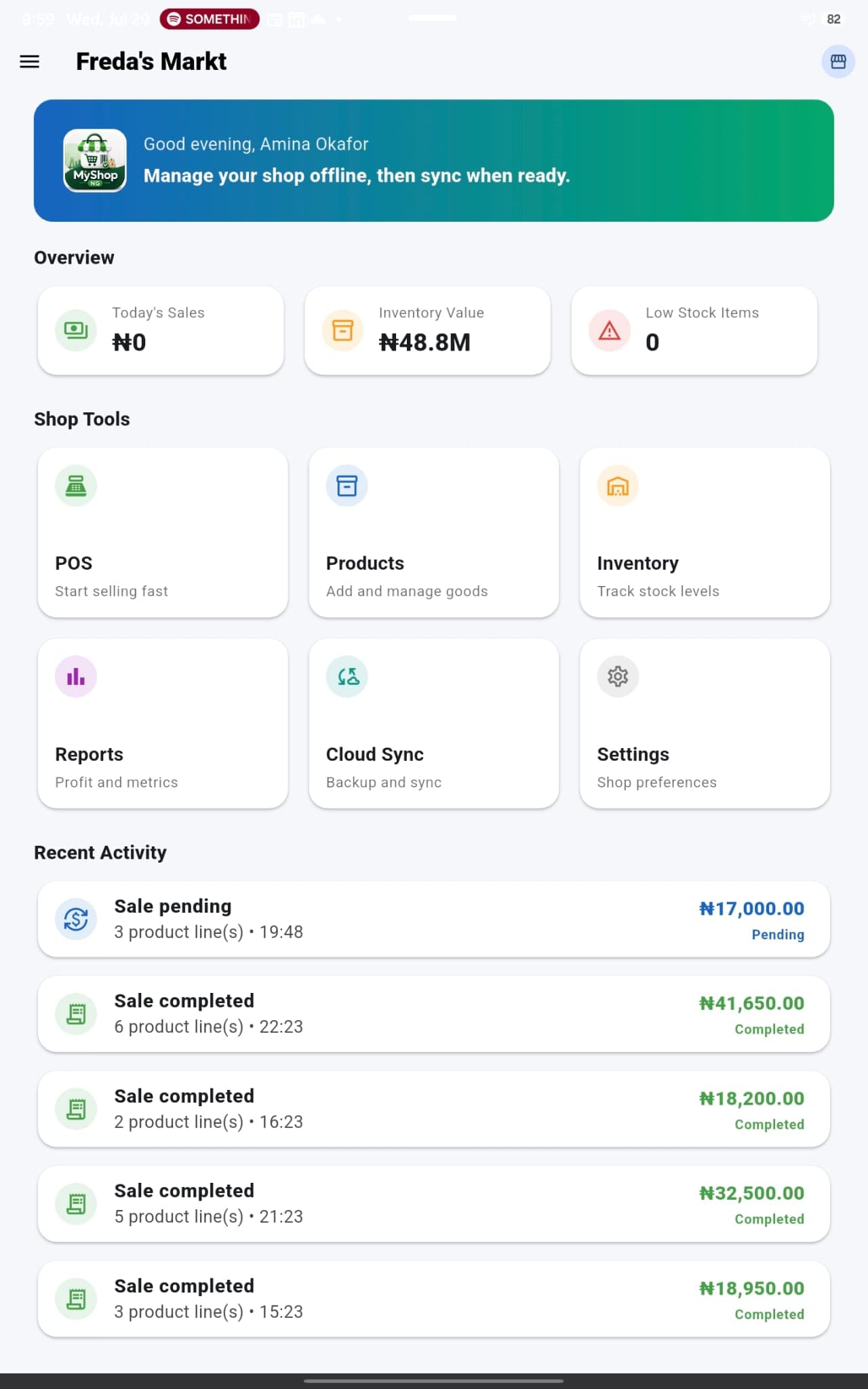
01Set up the shopCreate the business, products, prices, stock and staff access.
→02Record daily activityUse the POS for sales, payments, receipts and supported stock updates.
→03Review the evidenceSee activity, inventory and reports instead of rebuilding totals manually.
→04Make better decisionsUse the record to supervise, restock, price and plan with more confidence.
01Products and inventory
Create a structured catalogue with product names, prices and quantities. Keep stock information beside the products being sold, monitor inventory value, identify low-stock items, and compare expected quantities with what is physically available.
02Point of sale
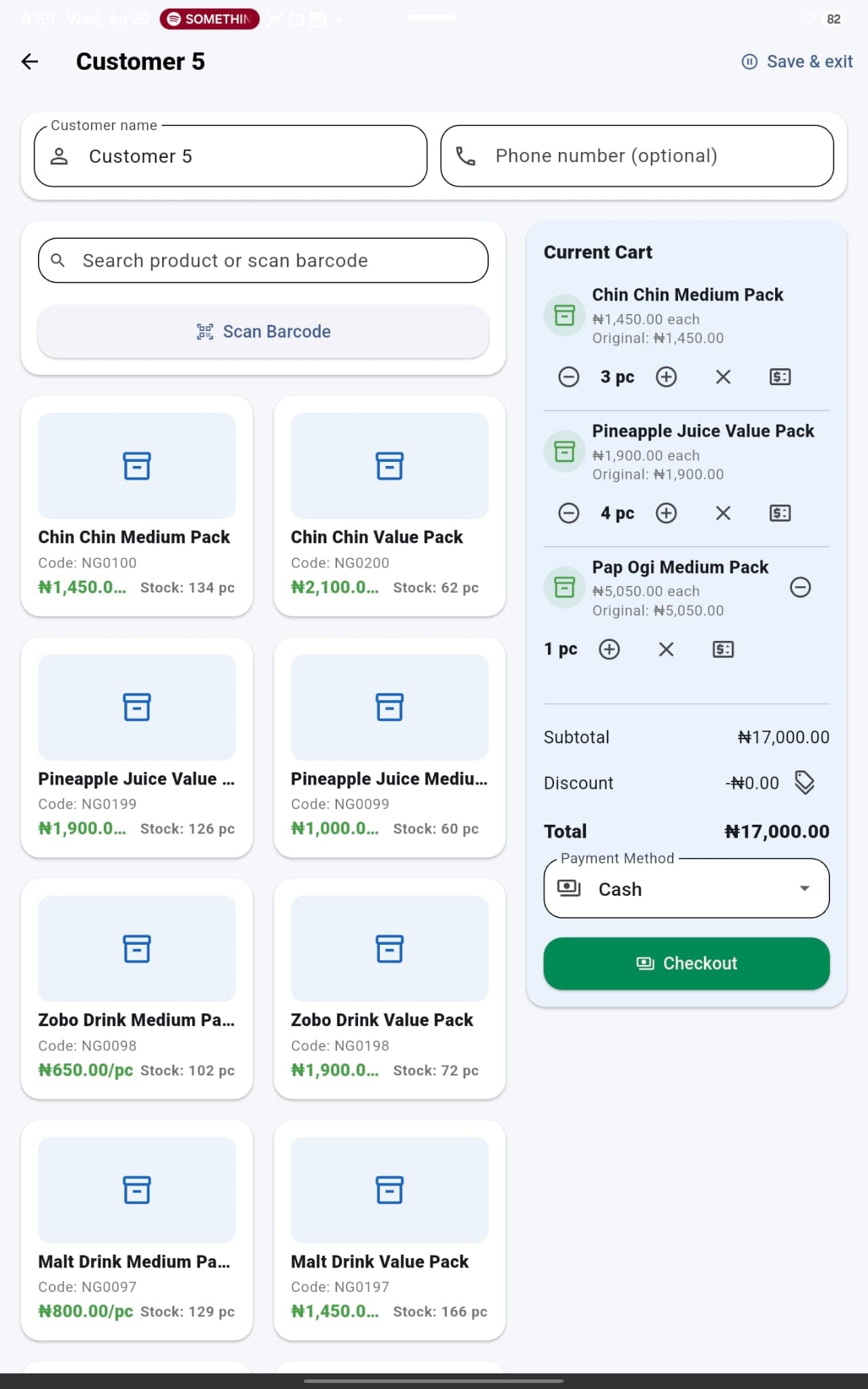
Build a customer basket, select products and quantities, confirm prices and payments, complete the transaction, and retain a consistent sales record. The POS is designed to support compatible barcode-scanner integration for faster product entry where the shop needs it.
03Cashiers and team access
Give staff their own access instead of sharing one informal process. Recorded activity can be connected to the person operating the shop, helping owners understand who handled transactions and making daily supervision more accountable.
04Receipts, payments and refunds
Keep the important details of completed sales together, produce a transaction record for the customer, and retain visibility into refunds and payment activity instead of correcting a ledger without an explanation.
05Reports and business insight
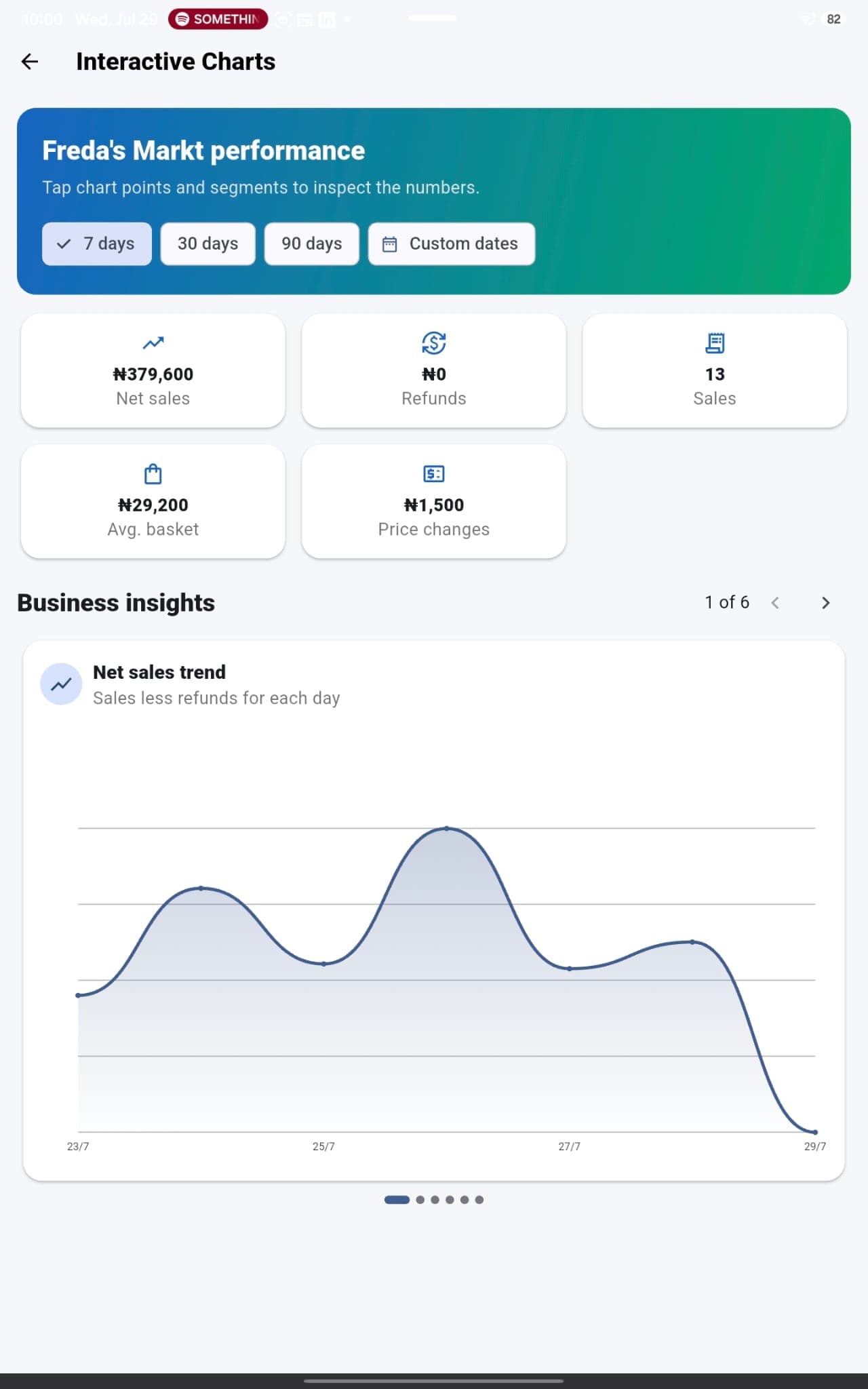
Review sales across selected periods, net sales, refunds, average basket value, inventory value, price changes and performance trends. The purpose is not only to store transactions, but to turn them into information an owner can act on.
06Offline work and cloud continuity
Continue eligible day-to-day activity when internet access is unreliable and synchronise supported data when a connection becomes available. Cloud sync and backup help keep important business information from living on only one piece of paper or with one employee.
07Multiple shops and growth
Standardise the way products, staff, sales and reports are handled as the business grows. Premium supports additional shops and larger teams, giving the owner a clearer structure than creating a separate ledger and process for every location.
08Owner visibility and control
Bring sales, stock, staff activity and reports into one operating record. This cannot guarantee that theft or mistakes will never occur, but it creates stronger visibility that can deter unrecorded activity and help an owner investigate shortages or cash differences.
 Turn everyday transactions into information you can use
 More than digital bookkeeping
The record becomes useful because it is connected.
Replacing a paper ledger is only the starting point. MyShop NG connects the person who records a sale, the products in the basket, the payment activity, the expected stock position and the reports the owner later reviews. That connection makes the history easier to understand and harder to depend on selective memory alone.
The app is built for real operating conditions. A small shop can begin with one location and a few team members, while a growing operation can adopt more structure, additional shops and broader reporting through the appropriate subscription plan.
See plans and pricing →The owner is away
A cashier records each sale through the POS during the day. Instead of waiting for a verbal summary or reading handwritten totals at closing time, the owner has a structured history of the transactions and the staff activity recorded in the app.
Stock does not balance
The shelf count is lower than expected. The owner can compare recorded sales and expected inventory with the physical quantity, then investigate whether the difference came from a sale, an entry mistake, damage, or possible unauthorised removal.
The shop is busy
The cashier selects items in the POS—or uses a compatible scanner integration when configured—confirms the basket and records payment. The same action creates the sales record and keeps it connected to product and stock information.
It is time to restock
Rather than relying on memory, the owner reviews stock levels, low-stock information and sales patterns to decide which products need attention and where working capital should be directed.